
How to Play
Learn how to build, move armies, and capture territory.
Your objective
In Multiplayer, capture more than half the playable map to win. Build an economy, raise armies, and expand your territory. There is no time limit.
New to HexArena? Open the lobby and choose Tutorial under Practice for a guided introduction.
Moving and building
Four controls cover almost everything you do in a match:
- Move the camera with the W, A, S, D keys, or by dragging with the middle mouse button.
- Zoom in and out with the mouse wheel.
- Build by choosing a building, then placing it on an empty building site that you own.
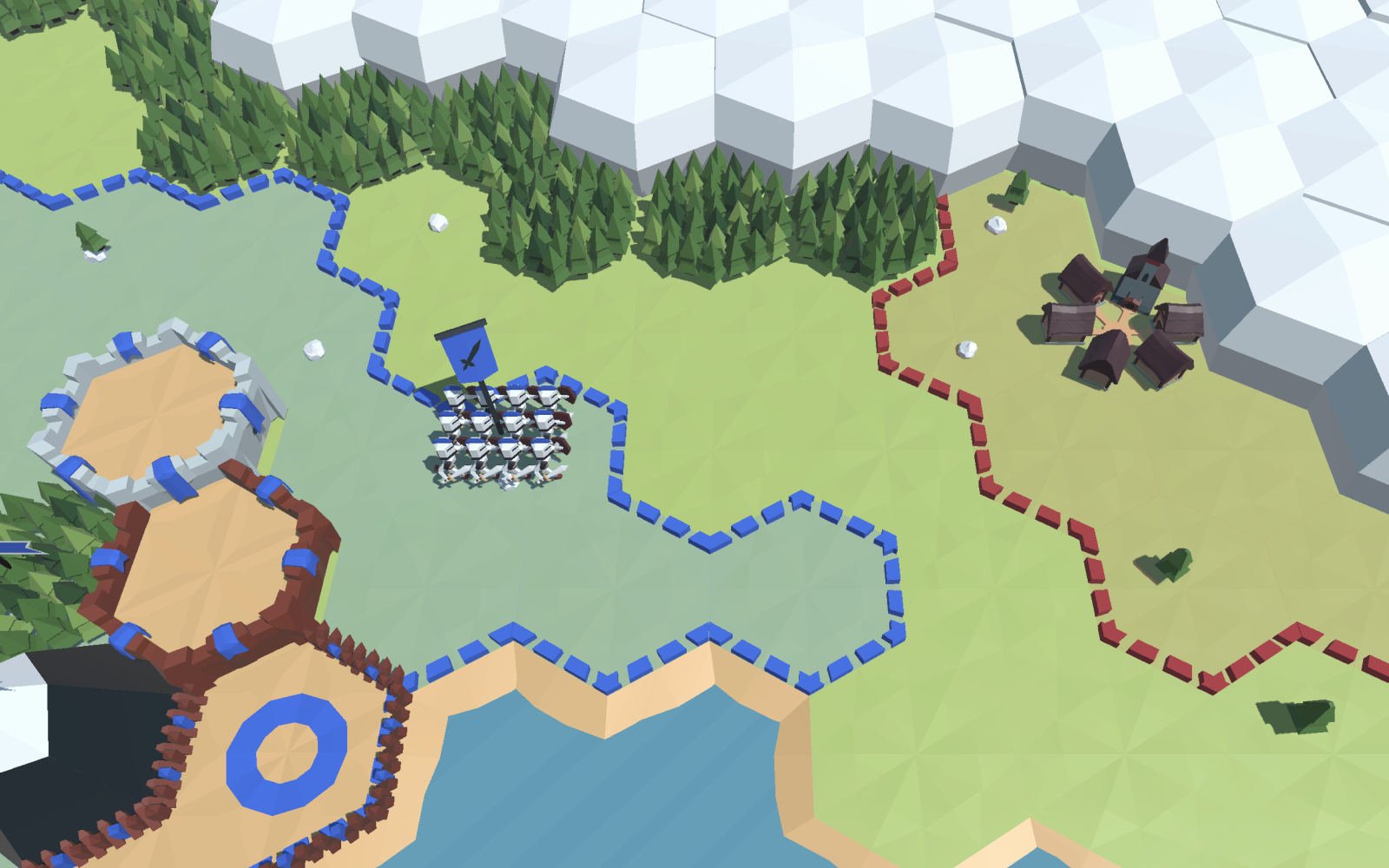
- Move an army by dragging it out of a building toward one of the six hex directions. Armies march in straight lines along those six directions.
Your first economy
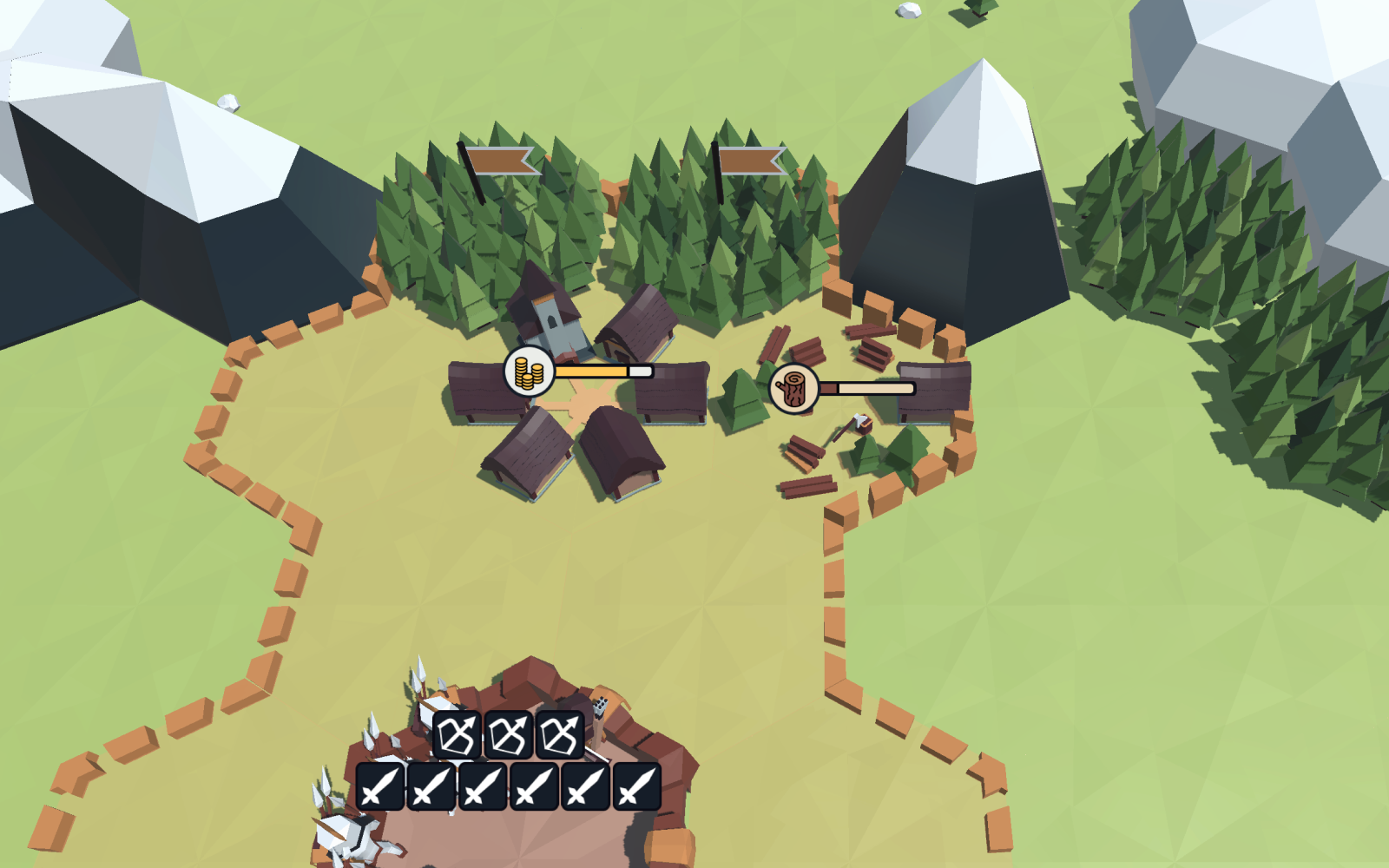
- Village — produces gold. Leave space around it for resource buildings.
- Forester — placed next to a forest, it produces wood. Keep it next to one of your villages for full-speed production.
- Quarry — placed next to a mountain, it produces stone. Like the forester, it works fastest next to one of your villages.
- Farm — must be built next to one of your villages. Each farm raises your food capacity so you can support larger armies.
Your first army
Use your resources to train armies and capture more tiles.
- Camp — the forward post you use to stage units and start capturing extra tiles.
- Barracks — upgrade a camp into a barracks and it trains units automatically when you have enough food capacity.
- Expansion — send armies out to capture tiles and reach your opponents.
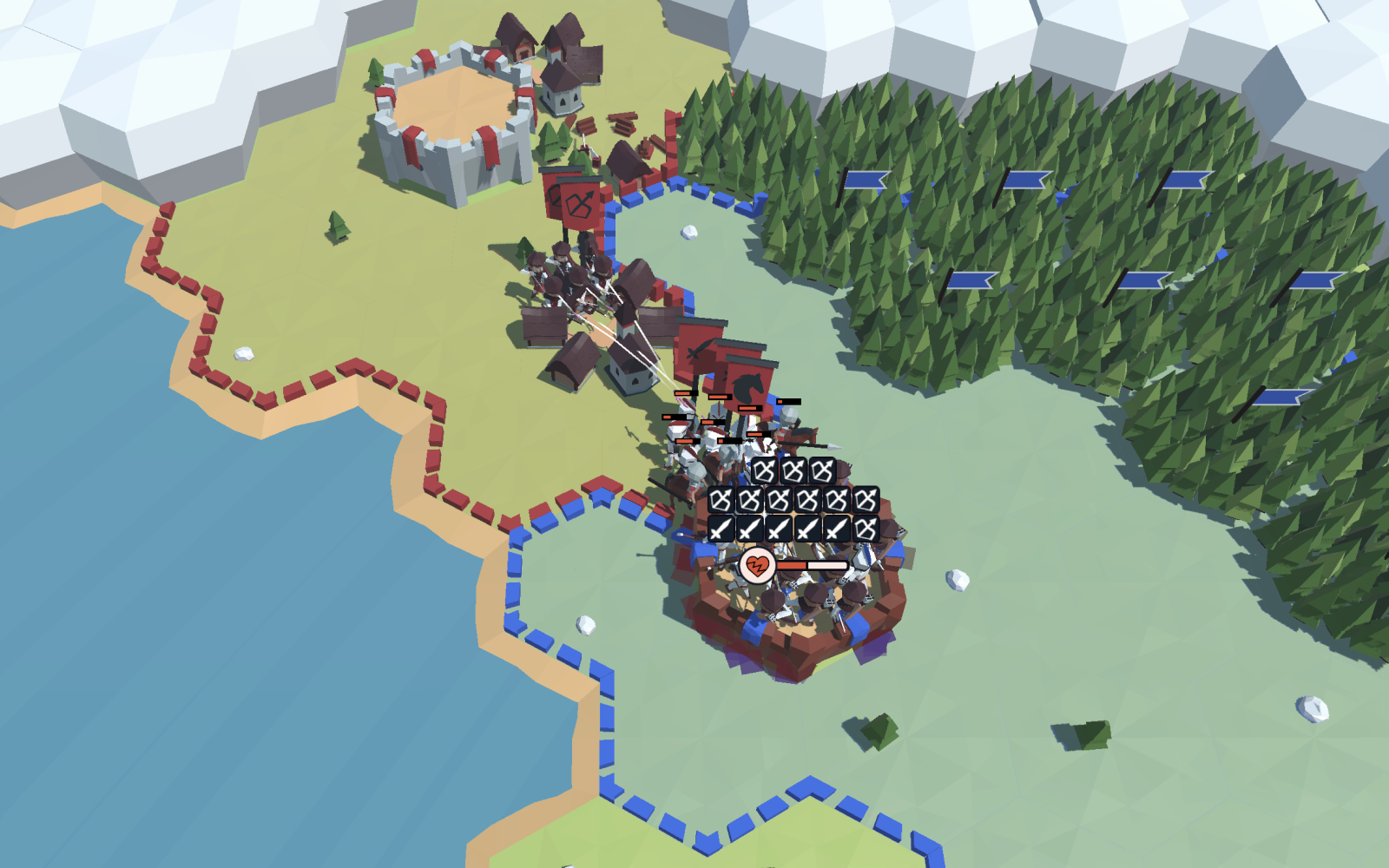
- Automatic combat — armies fight on their own the moment they meet an enemy. You choose where they go; the fighting resolves itself.
Rules that surprise newcomers
- Keep armies connected to your territory. If an army loses its link to friendly territory, it retreats. Retreating units cannot fight back.
- Garrisons defend themselves. Units left inside a building fire on nearby attackers, so a defended building is far harder to take than open ground.
- Armies move at most six tiles. After marching six tiles, an army turns around and walks back to where it started. Plan reach around that limit.
Choices for your next match
These controls let you choose which units to send and what they attack:
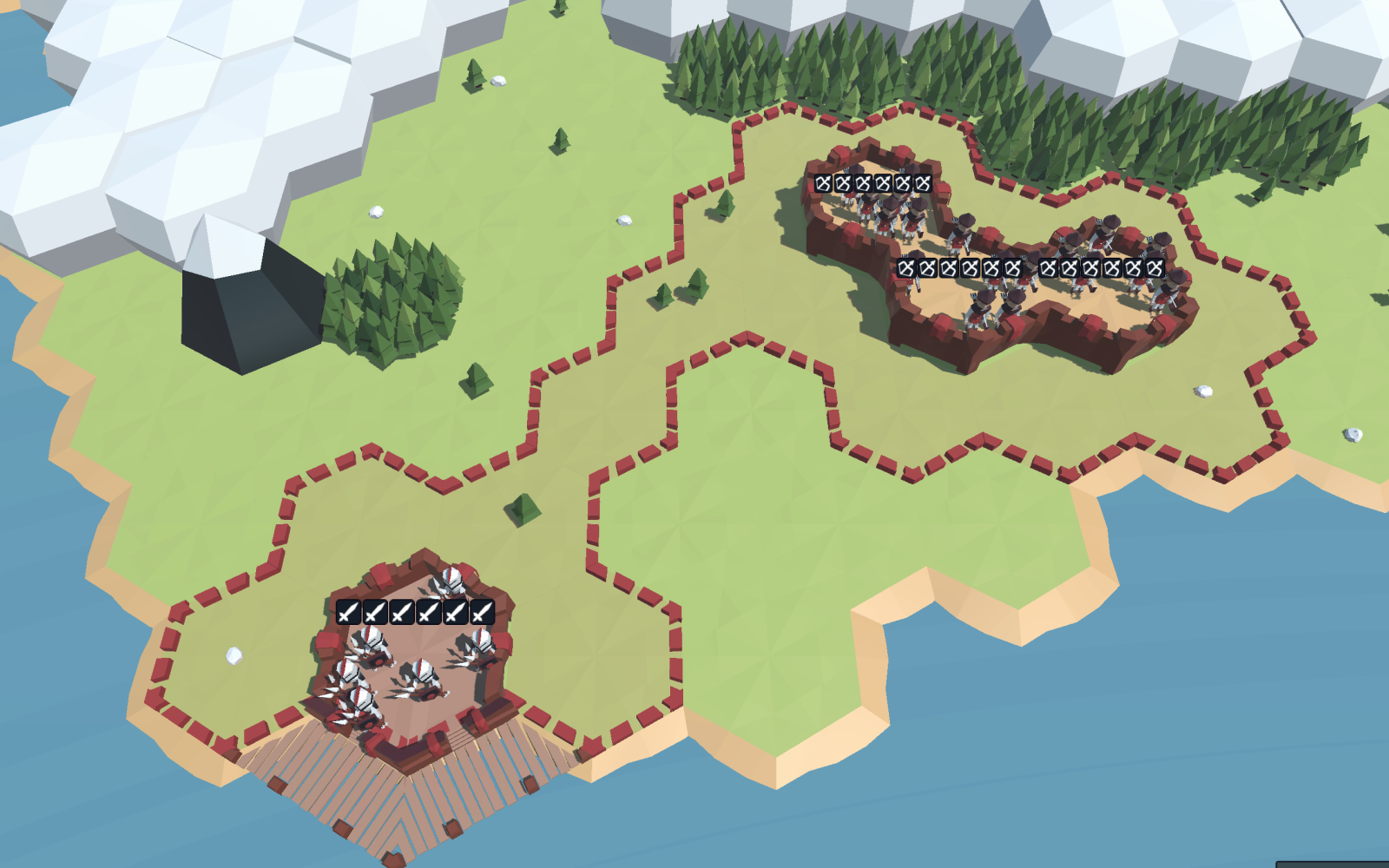
- Unit selection — hold 1, 2, or 3 while you drag to send only that type of unit, and leave the rest behind.
- Automated Send — hold Shift while sending an army to set a standing order. The building keeps sending available units in that direction.
- Target priorities — click an enemy building to mark it as a priority target so your ranged units focus it.